Luma Labs Introduces Ray 3 Modify
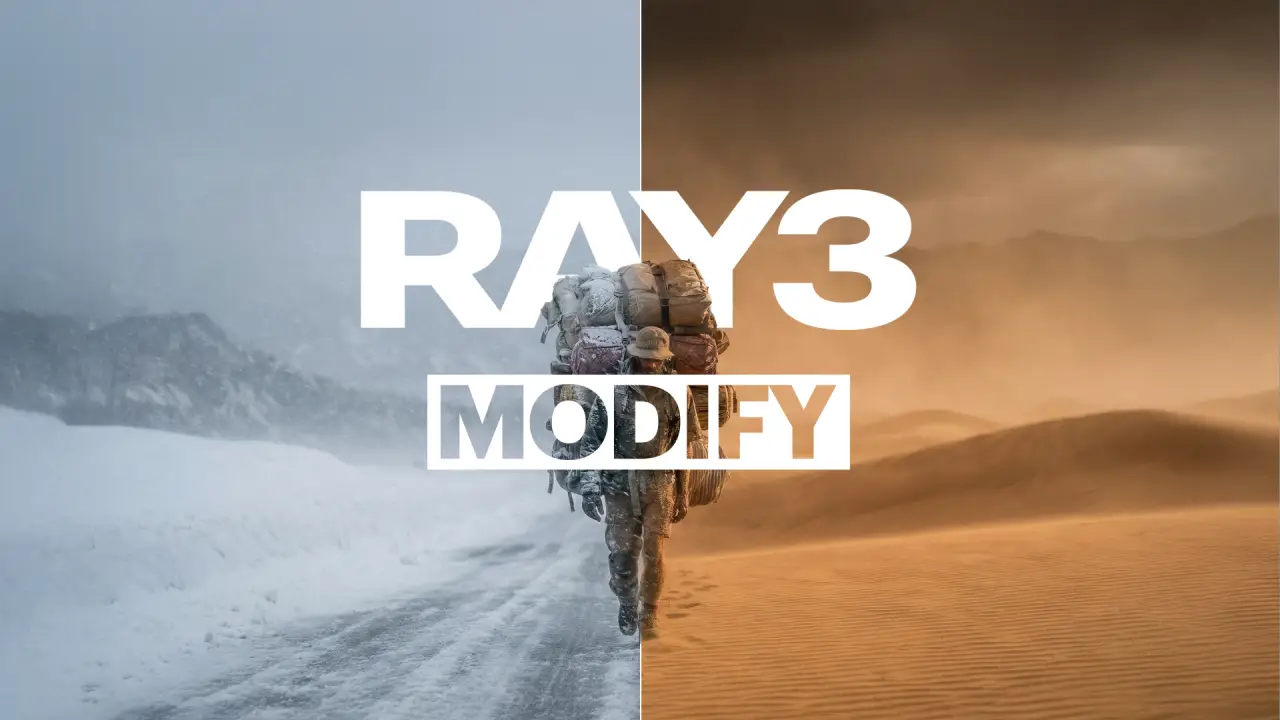
A Powerful New Way to Edit Video with AI
At its core, Ray 3 Modify lets you transform footage without traditional production constraints. You can act out a scene yourself and then reimagine it entirely by describing what you want. For example, a basic performance can be reshot into a cinematic scene with dramatic lighting, a different setting, or a new visual style. You can even perform a fight scene and later transform it into a high-impact, stylized action sequence.
Beyond performance changes, Ray 3 Modify makes environmental edits incredibly easy. A daytime clip can be turned into nighttime, winter, sunset, or any other atmosphere using natural language prompts. The model also supports seamless character replacement: simply upload an image of a new character, and Ray 3 Modify swaps them into the video while preserving motion, lighting, and realism.
Overall, this is an extremely versatile tool and closely resembles what we’ve seen from platforms like Kling AI. As models like Ray 3 Modify continue to evolve, we’re entering an era where video editing becomes as simple as dragging and dropping elements or describing changes in plain language. Traditional techniques like motion capture, green screens, masking, or manually animating VFX are increasingly unnecessary: AI can now handle these processes automatically and seamlessly.
Ray 3 Modify Walkthrough
Luma AI’s Ray 3 Modify is a major upgrade within Dream Machine, introducing advanced video-to-video and character reference capabilities. It gives creators significantly more control over how input videos are transformed, while also offering powerful tools to preserve character consistency across shots.
Ray 3 Modify brings a new level of character reference functionality to multiple workflows and modes inside Dream Machine. The Modify Mode, along with Keyframes and Reference modes, allows for deeper control over scene progression and shot continuity with character consistency at the center of the experience.
One of the standout features is character replacement. Users can replace the character in an input video with a character from a reference image, while everything else in the scene remains untouched. The referenced character automatically adapts to the original video’s lighting, artistic style, and visual tone, resulting in a highly natural and cohesive output.
The model operates through two primary functions:
- Character Reference Transformation: Users can upload reference images to transform human actors into entirely new characters while preserving the original performance, movement, and timing.
- Start–End Frame Guidance: Creators can define specific start and end frames, allowing the model to generate smooth transitional footage that maintains continuity between scenes.
Where to Access Ray 3 Modify
Ray 3 Modify is available through Luma AI’s Dream Machine platform, where creators can experiment with these new tools and integrate them directly into their video workflows.