SpriteLoop: A Free Cutout Animation Tool for 2D Games
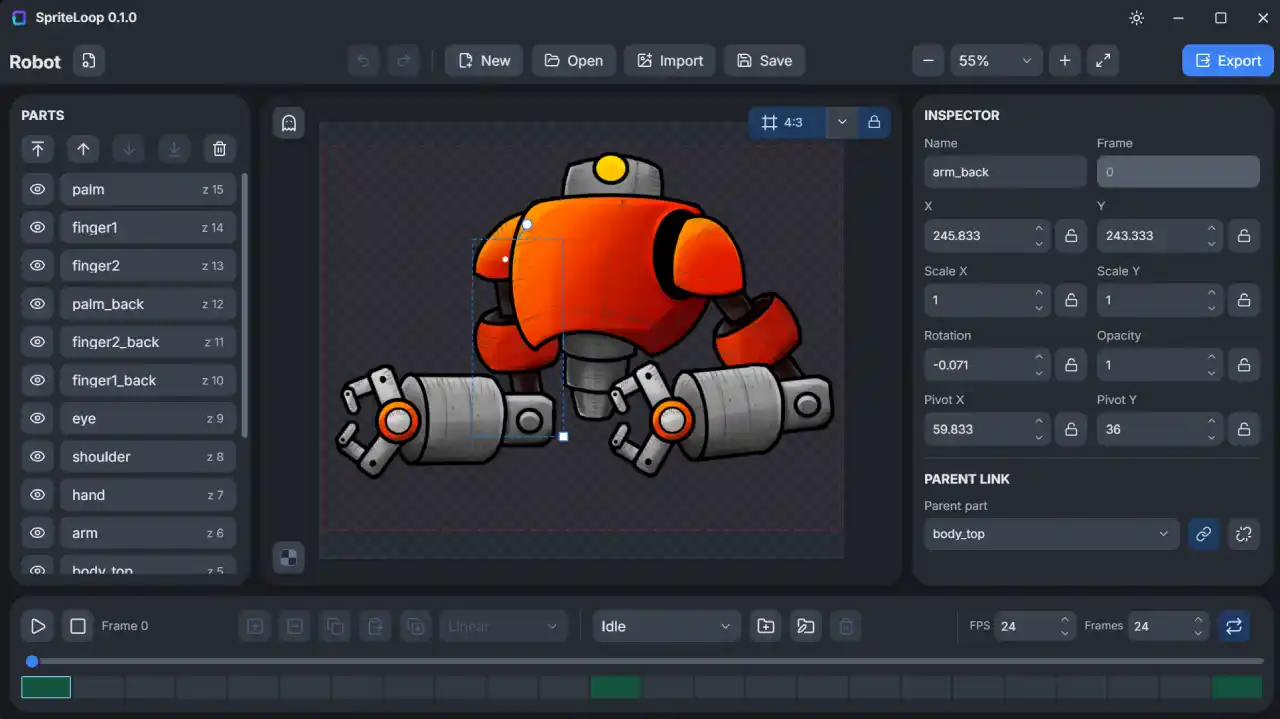
SpriteLoop is a lightweight cutout animation tool aimed squarely at 2D game makers, and one of its most appealing qualities is that it is completely free. Available for Windows, Mac, and Linux, it sits in the same family as tools like Spriter and Spine, but it trades heavyweight complexity for something far more approachable. If you have ever wanted to bring a hand-drawn character to life without wrestling a full professional animation suite, this is a tool worth knowing about.
What Is SpriteLoop?
At its core, SpriteLoop lets you build animations by cutting a character into separate pieces and moving those pieces over time. Instead of drawing every frame by hand, you import a set of PNG parts, arrange them into a rig, and animate their position, rotation, scale, skew, and opacity. The result is a smooth, reusable animation built from a handful of images rather than a stack of redrawn frames.
Cutout Animation Made Approachable
The appeal of cutout animation is efficiency. A single character can walk, idle, and run using the same set of parts, so you spend your time animating movement rather than redrawing artwork. SpriteLoop leans into that idea with a clean interface and a shallow learning curve, which makes it a natural fit for prototypes, game jams, and indie projects where speed matters.
Building Characters from Sprite Parts
A character in SpriteLoop is assembled from individual PNG pieces, such as a head, a jaw, a body, an upper arm, and a forearm. You bring those parts in, then arrange their draw order so the right pieces sit on top of one another. Getting that layering correct is what makes a character read cleanly, and the tool makes it easy to drag pieces up and down the hierarchy until everything looks right.
Pivots and Parent Child Hierarchies
Once the parts are in place, you set a pivot point for each one, the spot it rotates around relative to its parent. From there you connect the pieces into a parent child hierarchy, so a forearm belongs to an upper arm, which in turn belongs to the body. Move a parent, and everything attached to it follows. This is how SpriteLoop mimics a virtual bone setup without asking you to build a formal skeleton.
Smart Limbs and Keyframe Animation
For arms and legs, SpriteLoop offers a smart limb option that adds a simple control point you can drag to pose a whole chain at once. Animation itself happens on a timeline at the bottom of the screen, where you create a new clip, set its length in frames, and drop keyframes by pressing a single key. You can also choose how the motion eases between keyframes, with options for ease in, ease out, and smooth interpolation.
Onion Skinning for Cleaner Motion
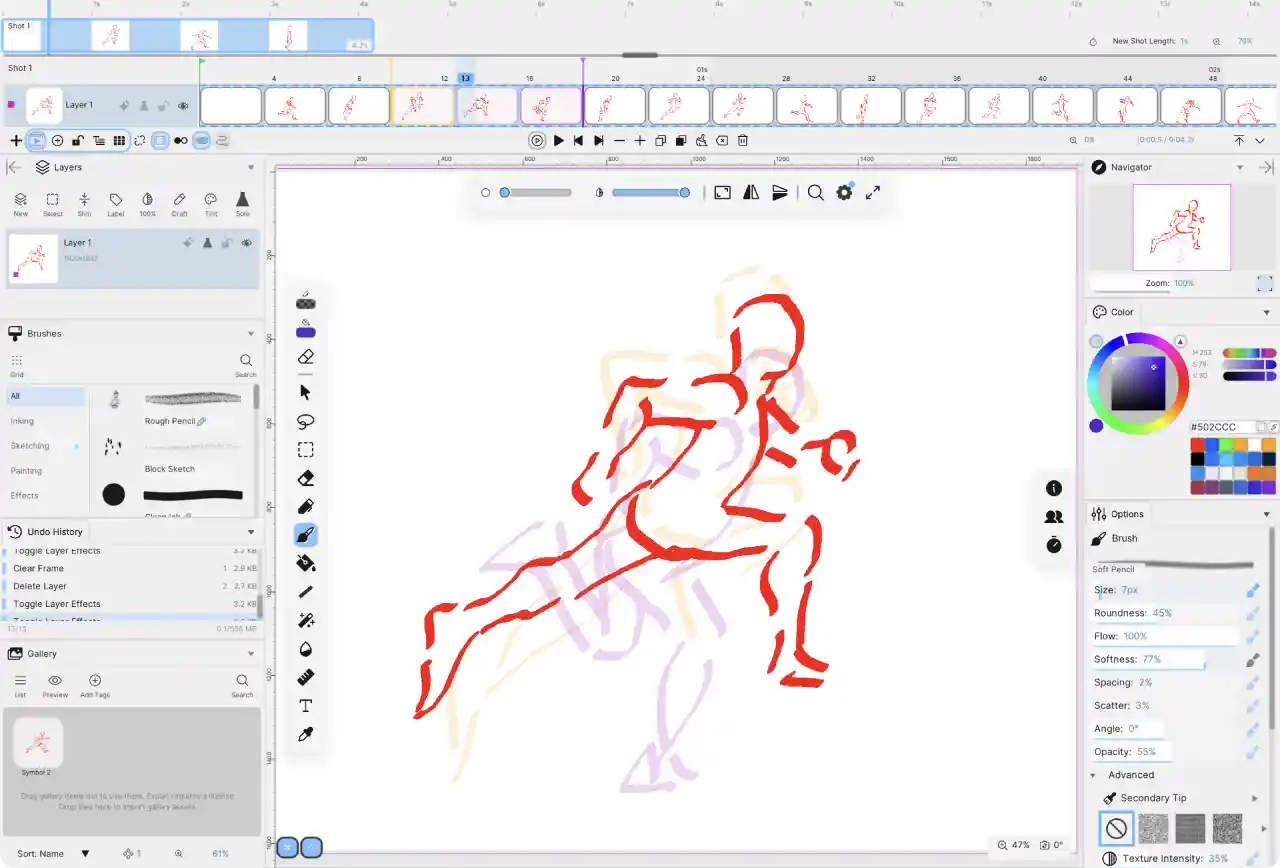
To help you judge motion between frames, SpriteLoop includes onion skinning, sometimes called ghosting. You can display the previous one or three frames as faint overlays, which makes it much easier to see how far a limb has traveled and to keep your timing consistent as you pose each frame.
Skins and Variants
One of SpriteLoop's more powerful ideas is the ability to reuse a single animation across different looks. You can define part variants to swap in alternate arms, clothing, or accessories, and you can set up full skins so the same motion drives a completely different character. Animate once, and you can dress that motion up in as many variations as your project needs.
Export Options Built for Games
Because SpriteLoop is made with games in mind, it exports to the formats developers actually use. You can save your work as a single sprite sheet, an image sequence where each frame is its own PNG, an animated GIF, an animated WebP, or an .spla package. There are also official plugins for Krita and Photoshop, so you can push layered artwork directly into SpriteLoop from the tools where you already draw.
The SpriteLoop Defold Extension
For developers working in the Defold game engine, SpriteLoop ships a runtime extension that plays its .spla animation packages natively, right inside the engine. Rather than baking everything into one large sprite sheet, the extension loads a character as separate parts with metadata describing how they move, then renders that animation live at runtime. It is a neat bridge between the animation tool and the engine, and it is the piece that makes SpriteLoop especially interesting for Defold users.
Why the Defold Extension Matters
The extension does more than simply play a clip. It exposes a Lua API for controlling animations, swapping skins and part variants at runtime, applying color tints, firing frame based animation events, and querying part transforms for attachment points. Prebuilt native libraries cover a wide spread of targets, including Windows, Linux, macOS, Android, iOS, and the web through WebAssembly, so a character animated once can travel across desktop, mobile, and browser.
Performance and File Size Benefits
The part based approach pays off in both size and speed. Because SpriteLoop stores individual pieces rather than a giant atlas, an animation that might balloon into an eight megabyte sprite sheet can shrink to well under a megabyte in the runtime format. That efficiency is a real advantage on mobile, where texture atlas limits often force compromises, and the runtime stays fast even when the screen fills with animated characters.
Who SpriteLoop Is For
SpriteLoop is a simple tool compared to something like Spriter or Spine, and that is very much the point. For plenty of indie developers, hobbyists, and jam participants, it covers everything they actually need to animate a character, build a walk cycle, or add a little life to a UI element. It is free, it runs on every major desktop platform, and paired with the Defold extension it reaches from your canvas all the way into a shipping game.
Links and Resources
SpriteLoop
https://balkanramgames.itch.io/spriteloop
SpriteLoop for Defold
https://github.com/Balkan-Ram-Games/spriteloop-defold
https://balkanramgames.itch.io/spriteloop-defold-stress-test