3DCoat 2026: Node-Based Texturing Changes Everything
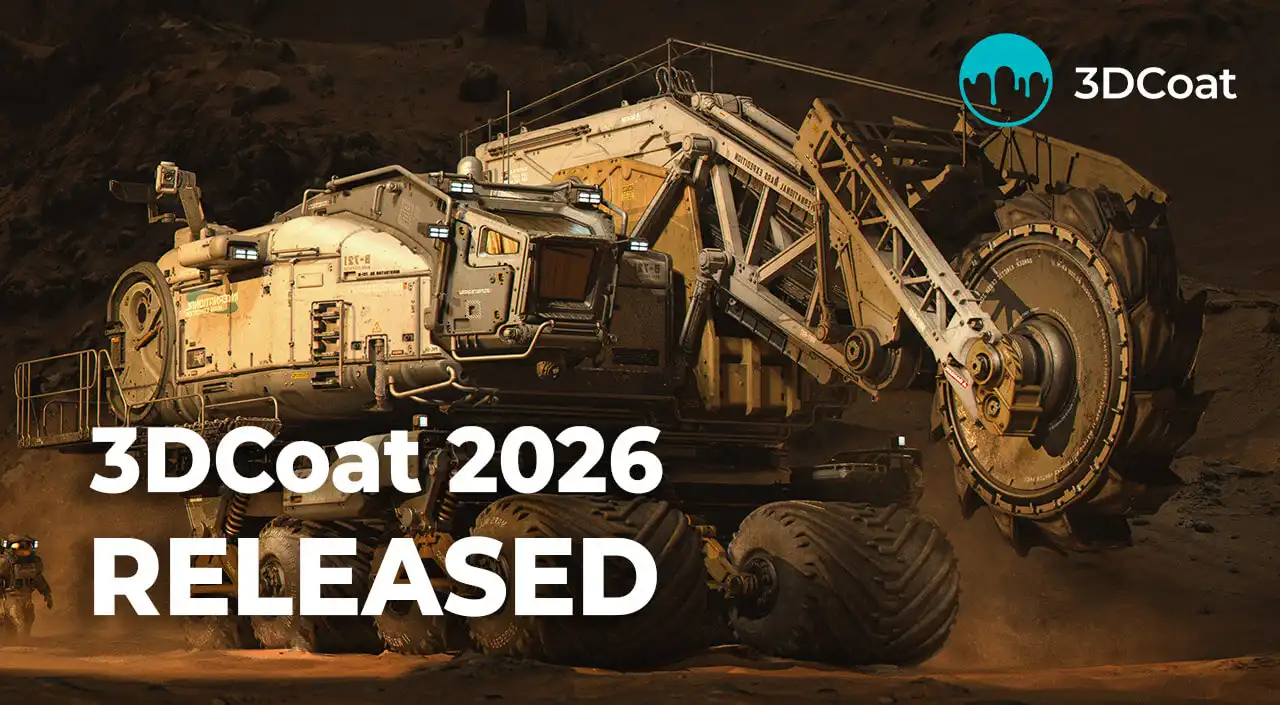
Pilgway has officially released 3DCoat 2026, alongside 3DCoatTextura 2026 and the free 3DCoatPrint. This is one of the most significant updates in the software's history, and the reason is simple: the introduction of a full node system that reshapes how texturing, sculpting and material creation work inside the application.
What follows is a high level overview of what the 2026 release brings, and why it matters for artists, studios and engineering teams.
The Headline: A Complete Node System
The biggest addition in 3DCoat 2026 is the new node system. It is not a side feature bolted onto an existing pipeline. It is a new workflow paradigm that touches texturing, sculpting and procedural geometry all at once.
The system enables non-destructive texturing in the Paint room, node-based sculpting of complex structures that would be extremely difficult to produce with traditional brushes, and the creation of 3D lattice structures inside any model.
Non-Destructive GPU Texturing
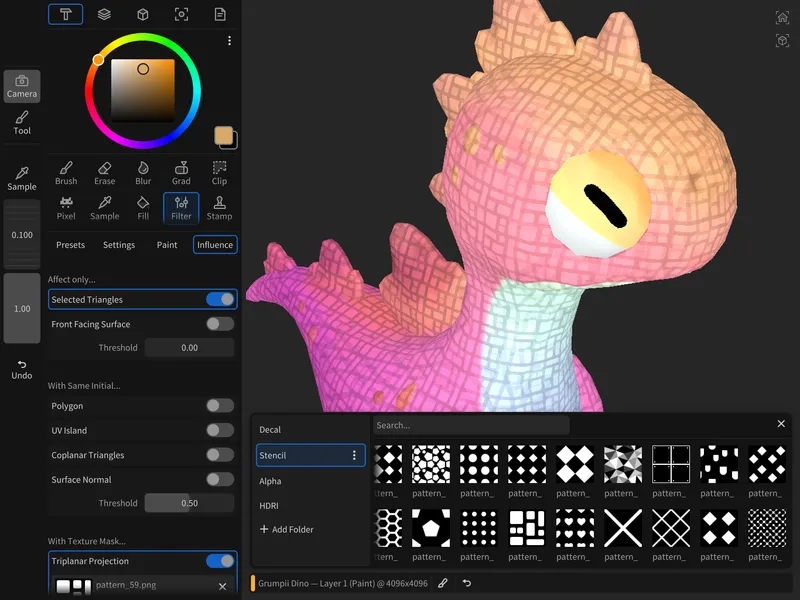
Classic pixel painting has always come with a trade-off: once a decision is baked in, going back is painful. The node system removes that limitation. Rust intensity, base color, glossiness, scratches and every other element remain editable at any stage of the workflow. Change a parameter and the result updates on the 3D model in real time.
Under the hood, procedural effects, mathematical operations and noise generators are dynamically compiled into optimized shaders and calculated directly on the graphics card. Pilgway calls the underlying technology NodeGraph Language, or NGL. The practical outcome for the user is speed.
Universal Nodes Keep Graphs Readable
Node-based systems have a reputation for producing sprawling, unreadable graphs. 3DCoat's approach centers on universal nodes, where each node combines multiple related functions. The result is a graph that stays clean and compact, and considerably easier to understand and manage.
For an even more direct workflow, any node parameter can be exposed to the Object Inspector. That means materials can be adjusted without ever opening the node graph, which matters when a technical artist builds a setup that other team members need to use.
Visual Feedback Built Into the Workflow
Pilgway paid particular attention to readability. Every node displays a material preview sphere, making it easy to see what is happening at each stage of the graph. Paint layers now display thumbnails of their assigned materials, which helps enormously when navigating a complex layer stack.
There is also a preview feature worth highlighting: Ctrl+click on any node input or output to preview it directly on the model in the viewport. Seeing exactly what each node, parameter or connection contributes to the final result makes troubleshooting and fine-tuning far less abstract.
Editing performance has been improved across the board, with smoother viewport updates, more responsive interaction and newly added anti-aliasing.
Procedural Materials, Masks, Modifiers and Volumes
The node system is not limited to a single output type. 3DCoat 2026 groups its procedural capabilities into several families.
NGMaterials
Procedural Smart Materials that adapt to the curvature, ambient occlusion and other surface properties of the model.
NGMasks
Procedural masks for generating realistic wear, dirt and scratches, with a wide variety of masking effects built from cavity and ambient occlusion maps.
NGModifiers
Procedural deformers that change the shape or geometry of a model.
NGFilters
Procedural post-processing filters. Unlike materials, which create new textures from scratch, filters take existing layer or object data, modify it and return it.
NGVolumes
Volumetric procedural textures working in 3D space, which guarantees the complete absence of seams on any model.
Once a material is built, the entire node graph can be saved as a reusable asset and applied instantly to other models.
A Ready-Made Library
Pilgway has shipped a comprehensive library of built-in materials covering a wide range of categories. All legacy default Smart Materials have been fully converted to the new node-based system, and new materials and 3D scans have been added courtesy of SCANIMAT. A library of built-in masks is included as well, applicable to any material with a single click.
Brushes have also been integrated into the node system, so painting and procedural materials work together. Pilgway has indicated this area will continue to expand in future releases.
Texturing While Sculpting
One of the more genuinely novel aspects of the release is that the node system functions both for per-pixel painting and as a shader system for sculpt objects.
The consequence is that you can sculpt a model while previewing its material in real time, taking advantage of the full node-based texturing workflow before retopology or UV mapping has even happened. For anyone who has waited until late in a pipeline to see how a surface actually reads, this is a meaningful change in sequencing.
Procedural Patterns and 3D Lattice Structures
Nodes make it straightforward to sculpt patterns and shapes that would be difficult or impossible to produce with conventional sculpting tools. When the setup is right, pressing the bake shader nodes button converts the node-generated geometry into a regular sculpt object for further editing.
The most striking application is 3D lattice generation. Using the voxel representation of any 3D model, 3DCoat 2026 can create internal lattice structures and other complex internal geometries.
Why Lattices Matter Beyond Art
For engineering workflows, internal lattice structures increase the strength of 3D printed parts while reducing both material consumption and overall weight. That is a concrete manufacturing benefit rather than a visual one.
For artistic workflows and digital sculpting, the same capability makes it easy to create intricate volumetric patterns and highly detailed internal structures. It is a rare feature that serves both audiences equally well.
An Expanded Material Model: 30 Channels
The 3DCoat render system supports an advanced physically based material model. Beyond the standard channels, 2026 introduces a wide range of additional material channels covering advanced light interaction and refraction effects.
The total is now 30 material channels, which opens the door to physically complex surfaces that were previously out of reach.
Sculpting and Modeling Improvements
The node system dominates the headlines, but 3DCoat 2026 also delivers a substantial list of improvements across the rest of the application.
Faster Access to Tools
The Sculpt and Modeling workspaces now include a text-based tool search in the Quick Access panel. A small addition that removes a persistent friction point.
The New Splitter Tool
Dividing a model into separate parts is now considerably simpler. After cutting, each part is automatically placed on its own layer for easier organization and editing.
Pose and Curves
The Pose tool has been expanded with new deformation modes for greater flexibility when posing and reshaping models, and it can now snap a mesh to an object's surface. The bending algorithm in the Curves tool has been improved for smoother and more predictable results.
Lofted Surfaces and Hybrid Meshes
A Lofted Surface option has been introduced for the On-Plane tool in the Sculpt room. Lofted surfaces are created and modified using curves, and can then be sculpted on directly with voxels.
Related to this, a retopology mesh can now be converted into a Hybrid Mesh and used as a surface for On-Plane brush control. The ability to retopologize, convert and then sculpt on the result with voxels opens up a level of shape control that was not previously available.
Parametric Hybrid Modeling
3DCoat 2026 adds a new parametric geometric primitive representing a hollow box, generated procedurally from a set of parameters.
More broadly, parametric hybrid modeling has been updated. Using two or three curves, you can build a parametric model of a complex shape. Editing the curves updates the model automatically, and further adjustments can be made by moving interactive handles or changing values in the dialog.
Four Smart Hybrid Primitives are included: Body, Boat, Bottle and Conic. Each can be customized to produce a wide variety of different objects.
Retopo and Modeling Workspace Updates
A new Profile Shape option has been added to the Bevel tool in the Retopo and Modeling rooms.
More significantly, the Group Tree system has been implemented in both rooms. The Object Tree now behaves much like the one in the Sculpt room, allowing the Move, Rotate and Scale tools to manipulate entire branches of child objects. Complete trees and individual object branches can also be copied.
Interoperability
Two format additions round out the release. 3DCoat now supports importing LWO3 files created in LightWave 3D, and GLB export has been added to improve integration with Blender and other applications that support the format.
3DCoatTextura 2026 and 3DCoatPrint
Every new feature specifically related to texturing is included in 3DCoatTextura 2026, along with node-based GPU texturing and the Nodes workspace. Textura users can therefore create and edit node-based procedural smart materials and masks, not simply apply them.
The free 3DCoatPrint application is also available as part of the 2026 lineup.
Availability and Upgrades
Fully functional trials of 3DCoat 2026 and 3DCoatTextura 2026 can be downloaded from the Pilgway website. Notably, access is not completely blocked when the trial period expires: the software remains usable in Free Learning mode for as long as you wish.
Owners of a valid 3DCoat V4 license or any previous yearly release can upgrade to 3DCoat 2026 through their Pilgway account. Permanent licenses, subscriptions and upgrade options are available in the store.
Final Thoughts
Yearly releases often amount to a list of refinements. 3DCoat 2026 is a different kind of update. The node system is a structural change that alters how texturing and sculpting relate to one another, and the fact that it extends into procedural geometry and lattice generation gives it reach well beyond surfacing.
Add the parametric modeling improvements, the Group Tree implementation and the expanded 30 channel material model, and 2026 stands as one of the more consequential versions Pilgway has shipped.